Hello readers,
Are you ready to elevate your ecommerce business by building nodejs shopping cart?
In this comprehensive manual, we’ll stroll you through the step-via-step process of making an efficient and user-friendly shopping cart in node js.
Whether you’re a pro developer or just beginning out, our special instructions and code snippets will empower you to construct a strong shopping cart that meets your particular wishes. Learn how to build a shopping cart using nodejs.
What is Nodejs?
Nodejs is open-source and mostly used for building a real-time application on the server-side with the assist of a runtime JavaScript platform. It maintains only V8 Google Chrome Engine and a high-performance application environment.
Before committing to Node.js for this build, see our comparison of Golang vs Node.js for backend development.
Essential things to Build Shopping Cart API in Node js
- Linux System / Ubuntu server for Redis installation
- Nodejs installed
- JavaScript knowledge
- Postman
What is Ecommerce Shopping Cart in Nodejs?
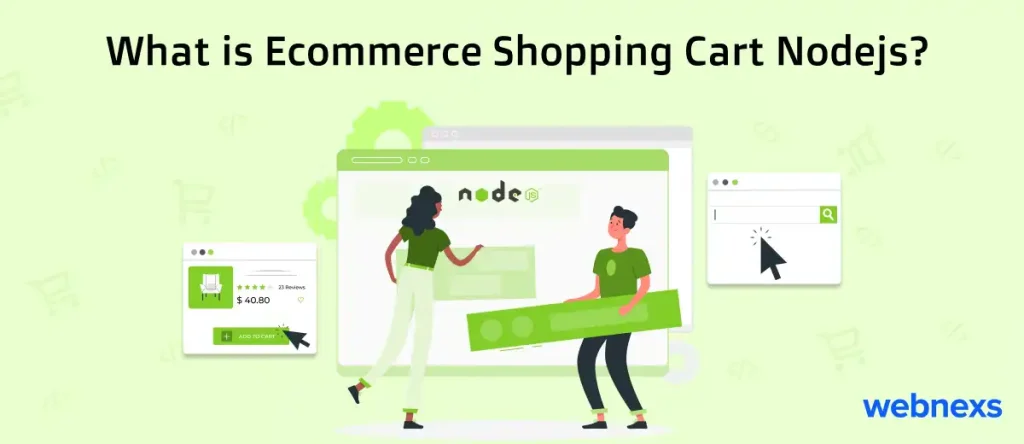
An ecommerce shopping cart Nodejs is a digital tool that enables online purchases by allowing customers to choose and save items they want to buy.
Node.Js, an effective JavaScript runtime surroundings, presents the spine for growing scalable and powerful shopping cart systems.
Leveraging the event-driven, non-blocking I/O version of Node.Js, developers can create dynamic, real-time shopping stories for customers.
With features like product browsing, adding products to the cart, adjusting portions, and intending to checkout, ecommerce shopping cart solutions built with Node.Js offer a continuing and responsive user experience, making online shopping easy and enjoyable.
Ecommerce Node js Shopping Cart
Let’s dig deeper into the ecommerce shopping cart nodejs creation. Here, the Redis Shopping Cart using node and Redis.
Redis is a key-value database server to the data store that can help many goals that differ from a simple database cache to a message stockbroker.
Ecommerce is the most popular one that someone will begin adding items to a basket, then move and come back later. Everyone can purchase anywhere using the eCommerce website. It can save time and effort.
E-commerce with Nodejs to offer us a shopping API. This API could be applied whenever a user needs to add an item to a basket. We can collect the ID in a cookie format and extract the data when the same user again comes back.
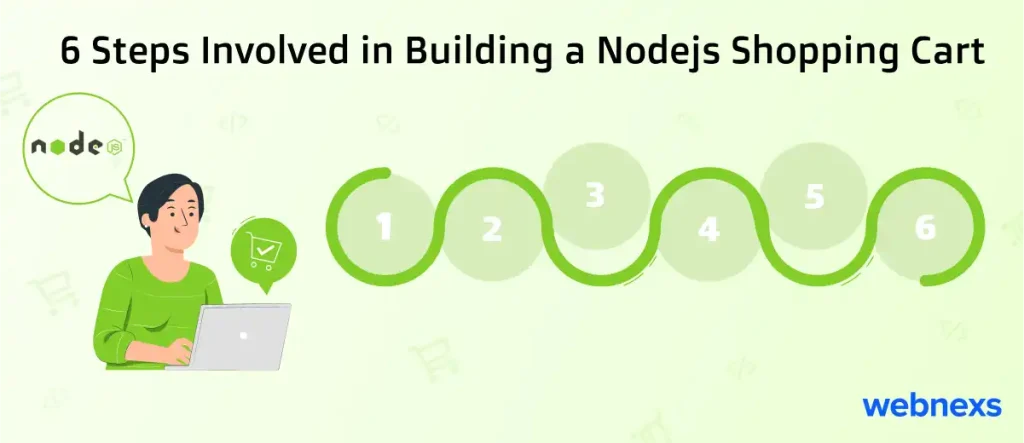
6 Steps Involved in Building a Nodejs Shopping Cart
Step 1
We need to install the nodejs packages for Redis, express, and body-parser. We can exploit the following comment for the package adding the section.
Step 2
Adding portable and Installing the ExpressJS 4 Snippets add-on in VS Code to instantly build a file called index.js and start typing es4-HelloWorld-example and hit enter.
The next step is creating endpoints.
Step 3
Then, create a connection file that permits us to connect to Redis. Following this, we can build a new file called Connection.js, add a module. Exports statement.
Step 4
From the following function line, we can build and connect the new client situation.
If you are using Redis on a server, the listed things not in default
redis.createClient(redis_url[, options])
redis.createClient(port[, host][, options]
redis.createClient([options])
Step 5
To build a connection with the Redis server and test it. Firstly, import it using the below line and import Redis package as well.
Then write the following code to the ‘/basket/getBasket’ endpoint.
Step 6
Run the code; you can get the following results
After writing out the above code, open the postman and create a post request.
Contact sales if you want to build an ecommerce shopping cart in Node js.

Webnexs builds headless ecommerce and multi-vendor marketplace platforms for growing retailers.
For background, see ecommerce fundamentals.
Frequently Asked Questions FAQs
What is Nodejs and how is it used in ecommerce?
Nodejs is an open-source, runtime JavaScript platform used for building real-time applications on the server-side, and it is used in ecommerce to build scalable and powerful shopping cart systems.
What is an ecommerce shopping cart in Nodejs?
An ecommerce shopping cart Nodejs is a digital tool that enables online purchases by allowing customers to choose and save items they want to buy, and it presents features like product browsing, adding products to the cart, and checkout.
What is Redis and how is it used in ecommerce shopping carts?
Redis is a key-value database server that can help many goals, including ecommerce, by saving time and effort, and it is used in ecommerce shopping carts to store data and enable users to add items to a basket and come back later.
What are the benefits of using Nodejs for ecommerce shopping carts?
Nodejs offers a continuing and responsive user experience, making online shopping easy and enjoyable, and it presents a dynamic, real-time shopping experience for customers.
How do I start building a Nodejs shopping cart?
To start building a Nodejs shopping cart, you need to install the nodejs packages for Redis, express, and body-parser, and then create endpoints and a connection file to connect to Redis.
What tools do I need to build a Nodejs shopping cart?
You need a Linux System or Ubuntu server for Redis installation, Nodejs installed, JavaScript knowledge, and Postman to build a Nodejs shopping cart.
What is Redis?
Redis is a key-value database server to the data store that can help many goals that differ from a simple database cache to a message stockbroker.
Ecommerce is the most popular one that someone will begin adding items to a basket, then move and come back later. Everyone can purchase anywhere using the eCommerce website. It can save time and effort.
E-commerce with Nodejs to offer us a shopping API. This API could be applied whenever a user needs to add an item to a basket. We can collect the ID in a cookie format and extract the data when the same user again comes back.