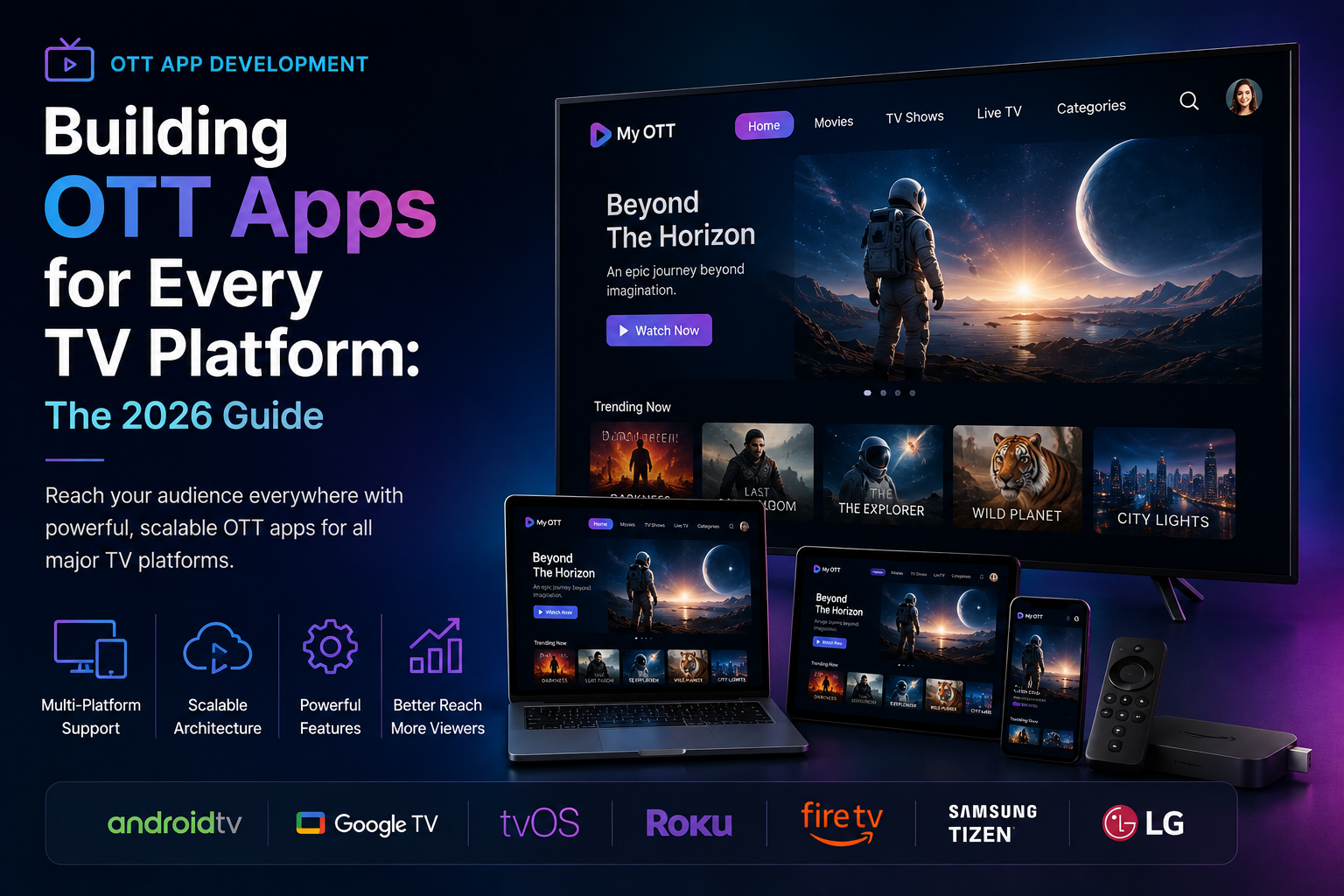
Building OTT Apps for Every TV Platform: The 2026 Guide
Quick answer: Building OTT apps for every TV platform requires consideration of different tools, languages, review cycles, and hardware limits for each platform, including tvOS, Android TV, Samsung Tizen, LG webOS, and Amazon Fire TV. This guide covers ott app development end to end.
Webnexs develops OTT and ecommerce platform solutions for businesses.
Key takeaways
- Choose the right platform for your OTT app
- Consider hardware limits and review cycles
- Design for different remote control models
- Optimize for performance and certification costs


Why the platform choice drives cost and schedule
The platform you pick sets the real budget and timeline because each one forces different tools, languages, review cycles, and hardware limits on your team. A single tvOS build can demand Swift and Xcode, while Android TV needs Java or Kotlin plus Android Studio. Store review queues vary from Apple’s two-to-three-week hold to Amazon’s one-week turnaround, and remote-control input models change how you design navigation and search. These constraints ripple into engineering hours, QA cycles, and ongoing certification costs long after launch. Choosing the wrong first platform can mean rewriting half the app or delaying a global rollout by months.
Apple TV (tvOS)
Building for tvOS is closest to building for iPhone, but the differences matter. Your app must be written in Swift or Objective-C, use TVUIKit for focus-based navigation, and pass Apple’s strict HIG review before it appears in the App Store. Apple TV remotes have only a directional pad and a touch surface, so designers must avoid hidden gestures and ensure every screen is navigable with arrow keys alone. The hardware itself caps memory at 2 GB on the latest models, which can surface subtle performance bugs that never appear on iOS devices. Because the App Store is curated, expect at least two weeks of review and possible rejection for anything that feels like a ported iPhone app rather than a true television experience.
Read the step-by-step guide: How to Build an Apple TV App.
Android TV and Google TV
Android TV and Google TV share the same OS but differ in skin and discoverability. Your app’s Java or Kotlin code runs on AOSP, but Google TV devices add a ten-foot launcher and voice search that can surface your content outside your app. Android’s remote model supports directional pads, voice, and sometimes game controllers, so you must test every input path. Hardware fragmentation is wider than on Apple TV: devices range from 1 GB RAM set-top boxes to 4 GB Android TV boxes, which can expose memory leaks or codec mismatches. Google Play’s review is typically faster—around one week—but your APK must still pass Android’s CDD and pass Google’s quality guidelines for lean-back experiences.
Read the step-by-step guide: How to Build an Android TV App.
Samsung Tizen
Samsung’s Tizen platform is built on web technologies—HTML5, JavaScript, and CSS—so your team can reuse web developers instead of hiring native mobile engineers. The Tizen SDK and emulator run inside a stripped-down Chromium fork, which means certain web APIs behave differently than on desktop browsers. Remote control is arrow-based with a dedicated back key, so you must design for a linear focus model and avoid hover states that don’t translate to a TV remote. Samsung’s store, Samsung Galaxy Store, reviews apps in batches and can take up to three weeks; it also enforces strict branding guidelines for the Tizen UI. Hardware caps vary from 1 GB RAM on older models to 2 GB on newer QLED sets, so memory profiling is essential to avoid crashes during video playback.
Read the step-by-step guide: How to Build a Samsung Tizen TV App.
LG webOS
LG’s webOS uses a Node.js-based SDK with Enyo or pure JavaScript, giving web developers a familiar environment but with quirks. The platform’s “magic remote” adds a gyroscope and point-and-click mode, so your app must handle both arrow-pad navigation and cursor-based interactions without breaking either. webOS enforces a strict app size limittypically 50 MB for the initial install, which forces teams to optimize assets and consider asset streaming. LG’s content store, LG Content Store, reviews submissions in about two weeks and may reject apps that don’t follow its 10-foot UI patterns. Memory on webOS TVs ranges from 1.5 GB to 2 GB, which can surface race conditions during 4K playback if your video pipeline isn’t tuned for the hardware.
Read the step-by-step guide: How to Build an LG webOS TV App.
Amazon Fire TV
Fire TV uses a heavily skinned version of Android, but Amazon adds its own app store, remote controls, and voice assistant. Your app must pass Amazon’s Appstore certification, which includes tests for playback stability, parental controls, and billing integration if you sell subscriptions. Fire TV remotes include a dedicated voice button that can trigger Alexa skills, so your content metadata must be voice-search friendly. Hardware spans from 1.3 GHz quad-core devices with 1 GB RAM to newer 2 GB RAM models, which can expose performance cliffs during 1080p or 4K streaming if your decoder isn’t hardware-accelerated. Amazon’s review cycle is typically one week, but the storefront’s algorithmic placement can shift based on engagement metrics, so plan for ongoing A/B testing of thumbnails and metadata.
Read the step-by-step guide: How to Build a Fire TV App.
iOS (iPhone, iPad, Apple TV via Catalyst)
If you’re already shipping an iOS app, Apple’s Catalyst lets you bring it to Apple TV with minimal changes, but the television experience often needs refinement. UIKit components scale automatically to the larger screen, yet navigation must be rebuilt for focus-based TVUIKit to avoid hidden taps and gestures. Memory and CPU budgets on Apple TV are tighter than on iPhones, so video pipelines and background tasks must be tuned separately. The App Store review is identical to iOS, with a two-to-three-week hold and strict privacy policy requirements. If you rely on Catalyst, budget extra QA time for remote control ergonomics and 10-foot UI refinements that aren’t needed on handheld devices.
Read the step-by-step guide: How to Build an iOS OTT App.
Android (Phone, Tablet, Android TV via Android Studio)
Google’s unified toolchain, Android Studio and Jetpack libraries, lets you build for phones, tablets, and Android TV from one codebase. The Android TV module uses a different manifest, themes, and lean-back support library, so you must split resources and declare separate activities. Remote control behavior changes from touch to directional pad, so your app needs custom key-event handling and focus management. Fragmentation is wider than on Apple devices: Android TV runs on devices from 1 GB RAM set-top boxes to 4 GB Android TV boxes, which can expose codec or memory issues during 4K HDR playback. Google Play’s review is around one week, but the storefront’s algorithm favors apps with high engagement and low crash rates, so plan for continuous monitoring.
Read the step-by-step guide: How to Build an Android OTT App.
What is shared across all OTT platforms
Regardless of the TV platform, every OTT app must solve the same technical layers: streaming protocol, digital rights management, authentication, analytics, and release process.
Streaming protocol
Most OTT services standardize on HLS (HTTP Live Streaming) or DASH (Dynamic Adaptive Streaming over HTTP) for adaptive bitrate delivery. HLS is widely supported on Apple devices and many Android TVs, while DASH is preferred in Europe and on some Samsung and LG models. Both protocols require a robust CDN, transcoding pipelines for multiple resolutions (720p, 1080p, 4K), and fallback logic for network interruptions.
DRM
Content protection is non-negotiable. Widevine is required on Android-based platforms, including Fire TV and Google TV. FairPlay is mandatory on Apple devices. Samsung Tizen and LG webOS support both Widevine and PlayReady depending on the model. Your backend must integrate a DRM license server and handle key rotation without interrupting playback.
Authentication and entitlement
Most services use OAuth 2.0 or SAML for sign-in and a backend entitlement service to validate subscriptions or rentals. SSO via Apple, Google, or Amazon accounts is common on mobile and TV platforms. Your app must securely store tokens, refresh them before expiry, and handle deactivated or suspended accounts without exposing sensitive data.
Analytics
Collecting playback events, errors, and QoS metrics is critical. Standard events include start, pause, resume, bitrate switches, and rebuffering. Most platforms accept analytics via HTTP beaconing or SDKs like Google Analytics for Firebase, Adobe Analytics, or third-party OTT analytics tools. Device-specific SDKs (Apple’s App Analytics, Google’s Android Vitals) can supplement your data but should not replace your own event pipeline.
Release process
Each storefront has its own certification checklist and submission tools. Apple uses Xcode and App Store Connect; Google uses Google Play Console; Samsung and LG use their respective developer portals; Amazon uses the Appstore Developer Console. Plan for at least one week of buffer per store for review, plus extra time for rejections or metadata updates. After launch, monitor crash reports and store reviews to prioritize hotfixes.
How to choose which platforms to ship first
Start with the platform that gives the best balance of reach, cost, and risk for your content. If your audience skews toward premium devices and disposable income, Apple TV is the safest first bet despite higher engineering costs. If you need broad global reach at lower cost, Android TV and Fire TV together cover most non-Apple living-room devices. For markets where Samsung and LG dominate the TV market, prioritize Tizen and webOS to ensure visibility on storefronts and retail shelves.
If you already have an iOS app, Catalyst can accelerate Apple TV delivery, but budget for 10-foot UI cleanup. If you’re already on Android, building the Android TV module is the fastest path to the largest addressable audience. Avoid spreading teams too thin, launching on two platforms with full polish beats launching on five with half-measures.
Finally, align your platform order with your business goals. Subscription sign-ups are easier to track on iOS via App Store billing, while ad-supported models perform better on Android TV due to broader inventory. Use early analytics to decide whether to expand to Roku, web browsers, or game consoles next.
Comparison of OTT App Development Platforms
| Platform | Language | Review Cycle |
|---|---|---|
| tvOS | Swift or Objective-C | 2-3 weeks |
| Android TV | Java or Kotlin | 1 week |
| Samsung Tizen | HTML5, JavaScript, and CSS | 2-3 weeks |
Related reading
Implementation Steps for OTT App Development
When developing an OTT app, it’s essential to follow a structured approach to ensure a successful launch. The first step is to define the project scope, including the features, functionalities, and platforms to be supported. This will help determine the resources required, including the development team, equipment, and infrastructure.
Next, the development team should design the app’s architecture, including the user interface, navigation, and content management system. This stage is critical, as it will impact the app’s performance, scalability, and maintainability. The team should also consider the different remote control models and design the app’s navigation and search functionality accordingly.
Once the design is complete, the development team can start building the app, using the chosen programming languages and tools. For example, for tvOS, the team will use Swift or Objective-C, while for Android TV, they will use Java or Kotlin. The team should also ensure that the app meets the platform’s guidelines and requirements, such as Apple’s HIG review for tvOS.
Cost Drivers for OTT App Development
The cost of developing an OTT app can vary widely, depending on several factors, including the platform, complexity, and features. According to a report by Gartner, a leading research and advisory company, the average cost of developing a mobile app can range from $100,000 to over $500,000. However, this cost can be higher for OTT apps, which require additional development and testing for multiple platforms.
Some of the key cost drivers for OTT app development include the development team’s size and expertise, the technology stack, and the testing and quality assurance process. Additionally, the cost of certification, such as Apple’s HIG review, can also impact the overall cost.
- Development team’s size and expertise: A larger team with more experienced developers can increase the cost.
- Technology stack: The choice of programming languages, tools, and frameworks can impact the cost.
- Testing and quality assurance: Thorough testing and quality assurance can increase the cost but ensure a high-quality app.
- Certification: The cost of certification, such as Apple’s HIG review, can add to the overall cost.
Common Mistakes in OTT App Development
When developing an OTT app, there are several common mistakes that can impact the app’s success. One of the most significant mistakes is not considering the different remote control models and designing the app’s navigation and search functionality accordingly.
Another mistake is not optimizing the app for performance, which can result in a poor user experience and negative reviews. Additionally, not ensuring that the app meets the platform’s guidelines and requirements can lead to rejection or delays in the certification process.
Furthermore, not testing the app thoroughly on different devices and platforms can result in bugs and compatibility issues. According to a report by Amazon, a leading technology company, testing is a critical step in the app development process, and thorough testing can help ensure a high-quality app.
Technical Requirements for OTT App Development
When developing an OTT app, there are several technical requirements that must be met. These include the app’s architecture, user interface, and content management system. The app must also meet the platform’s guidelines and requirements, such as Apple’s HIG review for tvOS.
The app’s performance is also critical, and the development team must optimize the app for performance, ensuring that it can handle different types of content, such as video and audio. Additionally, the app must be secure, and the development team must implement robust security measures to protect user data.
- App architecture: The app’s architecture must be well-designed and scalable.
- User interface: The user interface must be intuitive and easy to use.
- Content management system: The content management system must be robust and able to handle different types of content.
- Performance: The app must be optimized for performance, ensuring that it can handle different types of content.
- Security: The app must be secure, and the development team must implement robust security measures to protect user data.
Timelines for OTT App Development
The timeline for developing an OTT app can vary widely, depending on several factors, including the platform, complexity, and features. According to a report by Forrester, a leading research and advisory company, the average timeline for developing a mobile app can range from 3 to 6 months. However, this timeline can be longer for OTT apps, which require additional development and testing for multiple platforms.
The development team should create a detailed project plan, including milestones and deadlines, to ensure that the app is developed on time and within budget. The team should also conduct regular progress reviews and adjust the plan as needed to ensure that the app meets the required standards.
Once the app is developed, the team should conduct thorough testing, including alpha, beta, and user acceptance testing, to ensure that the app meets the required standards. The team should also plan for certification, such as Apple’s HIG review, and ensure that the app meets the platform’s guidelines and requirements.
Implementation Steps for OTT App Development
When developing an OTT app, it’s essential to follow a structured approach to ensure a successful launch. The first step is to define the project scope, including the features, functionalities, and platforms to be supported. This will help determine the resources required, including personnel, equipment, and budget.
Next, the development team should design the app’s architecture, considering factors such as scalability, performance, and security. This includes selecting the appropriate programming languages, frameworks, and tools for the project. For example, tvOS apps are typically built using Swift or Objective-C, while Android TV apps use Java or Kotlin.
Once the design is complete, the development team can begin building the app, starting with the core features and functionalities. This includes implementing the user interface, developing the business logic, and integrating with any third-party services or APIs.
Throughout the development process, it’s crucial to conduct regular testing and quality assurance to ensure the app meets the required standards. This includes functional testing, performance testing, and security testing, as well as testing on various devices and platforms to ensure compatibility.
Cost Drivers for OTT App Development
The cost of developing an OTT app can vary widely, depending on several factors, including the complexity of the app, the number of platforms to be supported, and the resources required. According to a report by Gartner, the average cost of developing a mobile app can range from $100,000 to over $1 million, depending on the complexity and features of the app.
One of the primary cost drivers for OTT app development is the cost of personnel, including developers, designers, and project managers. The cost of equipment and software, such as development tools and testing devices, is also a significant factor.
In addition, the cost of testing and quality assurance can be substantial, particularly if the app requires extensive testing on various devices and platforms. Other cost drivers include the cost of marketing and promotion, as well as ongoing maintenance and support costs.
Common Mistakes in OTT App Development
There are several common mistakes that developers can make when building an OTT app, which can result in delays, cost overruns, and poor app performance. One of the most significant mistakes is failing to define the project scope and requirements clearly, leading to misunderstandings and miscommunication among team members.
Another common mistake is underestimating the complexity of the app and the resources required to build it. This can result in delays, cost overruns, and poor app performance, as well as frustration among team members and stakeholders.
In addition, failing to conduct thorough testing and quality assurance can result in an app that is buggy, slow, or insecure, leading to negative user reviews and a loss of reputation for the developer.
- Not considering the unique characteristics of each platform, such as screen size, resolution, and input methods
- Not optimizing the app for performance, resulting in slow loading times and poor responsiveness
- Not implementing adequate security measures, such as encryption and secure authentication
- Not providing adequate support and maintenance, resulting in a lack of updates and bug fixes
Technical Requirements for OTT App Development
When building an OTT app, there are several technical requirements that must be considered, including the choice of programming language, framework, and development tools. For example, tvOS apps require the use of Swift or Objective-C, while Android TV apps use Java or Kotlin.
In addition, the app must be designed to work with various devices and platforms, including different screen sizes, resolutions, and input methods. This requires careful consideration of the user interface and user experience, as well as the app’s architecture and performance.
Other technical requirements include implementing adequate security measures, such as encryption and secure authentication, as well as providing support for various streaming protocols and codecs.
The app must also be optimized for performance, including fast loading times, smooth video playback, and responsive navigation. This requires careful consideration of the app’s architecture, including the use of caching, buffering, and other optimization techniques.
Timelines for OTT App Development
The timeline for developing an OTT app can vary widely, depending on the complexity of the app, the number of platforms to be supported, and the resources required. According to a report by Forrester, the average timeline for developing a mobile app can range from 3 to 9 months, depending on the complexity and features of the app.
The development process typically begins with a discovery phase, where the project scope and requirements are defined. This is followed by a design phase, where the app’s architecture and user interface are designed.
Next, the development team begins building the app, starting with the core features and functionalities. This is followed by a testing and quality assurance phase, where the app is tested on various devices and platforms to ensure compatibility and performance.
Finally, the app is launched, and ongoing maintenance and support are provided to ensure the app remains stable and secure. This includes monitoring user feedback, fixing bugs, and adding new features and functionalities as needed.
Implementation Steps for OTT App Development
When developing an OTT app, it’s essential to follow a structured approach to ensure a successful launch. The first step is to define the app’s functionality and features, considering the target audience and platform requirements. Next, designers should create a user interface that is intuitive and easy to navigate, taking into account the remote control models and hardware limitations of each platform.
Developers can then start building the app, using the chosen programming language and tools. For example, tvOS apps require Swift or Objective-C, while Android TV apps use Java or Kotlin. It’s crucial to test the app thoroughly, including performance, video playback, and navigation, to ensure a smooth user experience.
Cost Drivers and Budgeting
The cost of developing an OTT app can vary significantly depending on the platform, complexity, and features. According to a report by Gartner, the cost of developing a mobile app can range from $50,000 to $1 million or more. OTT app development costs can be similar, but may also include additional expenses such as content licensing fees and infrastructure costs.
- Development team salaries and benefits
- Software and tool licensing fees
- Content acquisition and licensing costs
- Infrastructure and hosting expenses
- Marketing and promotion costs
Common Mistakes and Technical Requirements
One common mistake is underestimating the complexity of OTT app development and the resources required. Another mistake is not thoroughly testing the app, which can lead to poor performance, crashes, and negative user reviews. Technical requirements include ensuring the app meets each platform’s guidelines and standards, such as Apple’s HIG review and Google’s quality guidelines.
Additionally, developers should consider implementing analytics and tracking tools to monitor user behavior and app performance, as well as ensuring the app’s security and compliance with relevant regulations, such as GDPR and CCPA.
Frequently asked questions
What is OTT app development?
OTT app development refers to the process of building applications for over-the-top platforms, which deliver content directly to users via the internet, bypassing traditional broadcast or cable TV.
How do I build an OTT app for Apple TV?
To build an OTT app for Apple TV, you need to use Swift or Objective-C, TVUIKit for focus-based navigation, and pass Apple’s strict HIG review before it appears in the App Store.
What is the difference between Android TV and Google TV?
Android TV and Google TV share the same OS, but Google TV devices add a ten-foot launcher and voice search that can surface your content outside your app.
How do I optimize my OTT app for performance?
To optimize your OTT app for performance, you need to consider hardware limits, use efficient coding practices, and test for different input paths and remote control models.
What is the review process for OTT apps on different platforms?
The review process for OTT apps varies by platform, with Apple’s App Store review taking at least two weeks, Android’s Google Play review taking around one week, and Amazon’s Appstore review taking typically one week.
How do I ensure my OTT app is discoverable on different platforms?
To ensure your OTT app is discoverable on different platforms, you need to optimize your app’s metadata, use voice-search friendly content metadata, and follow each platform’s guidelines for discoverability.
Sources
Get a quote from our team for a build estimate on your project, or book a call to walk through scope and timelines.
Get new Webnexs engineering guides by email newsletter, or follow us on LinkedIn.