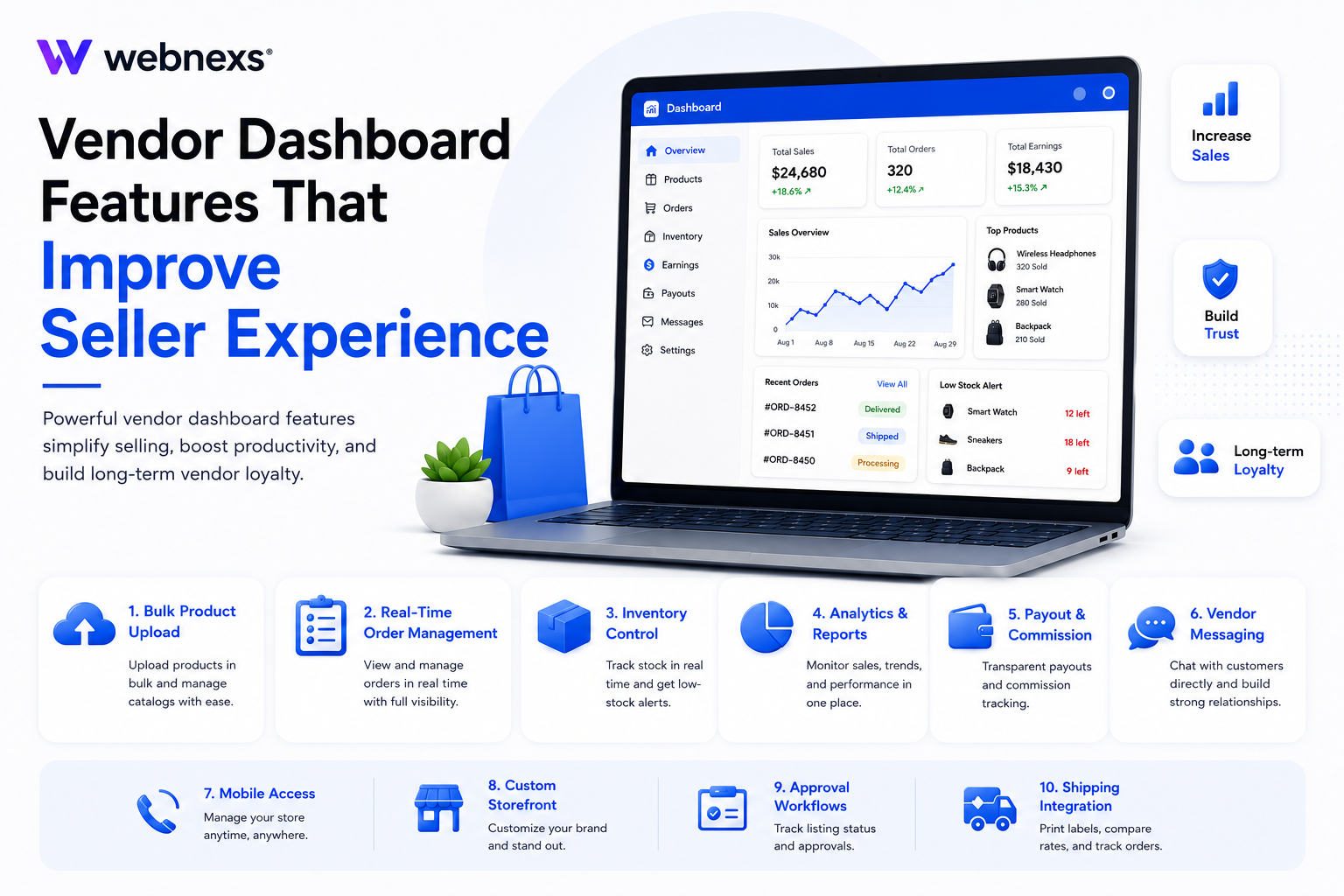
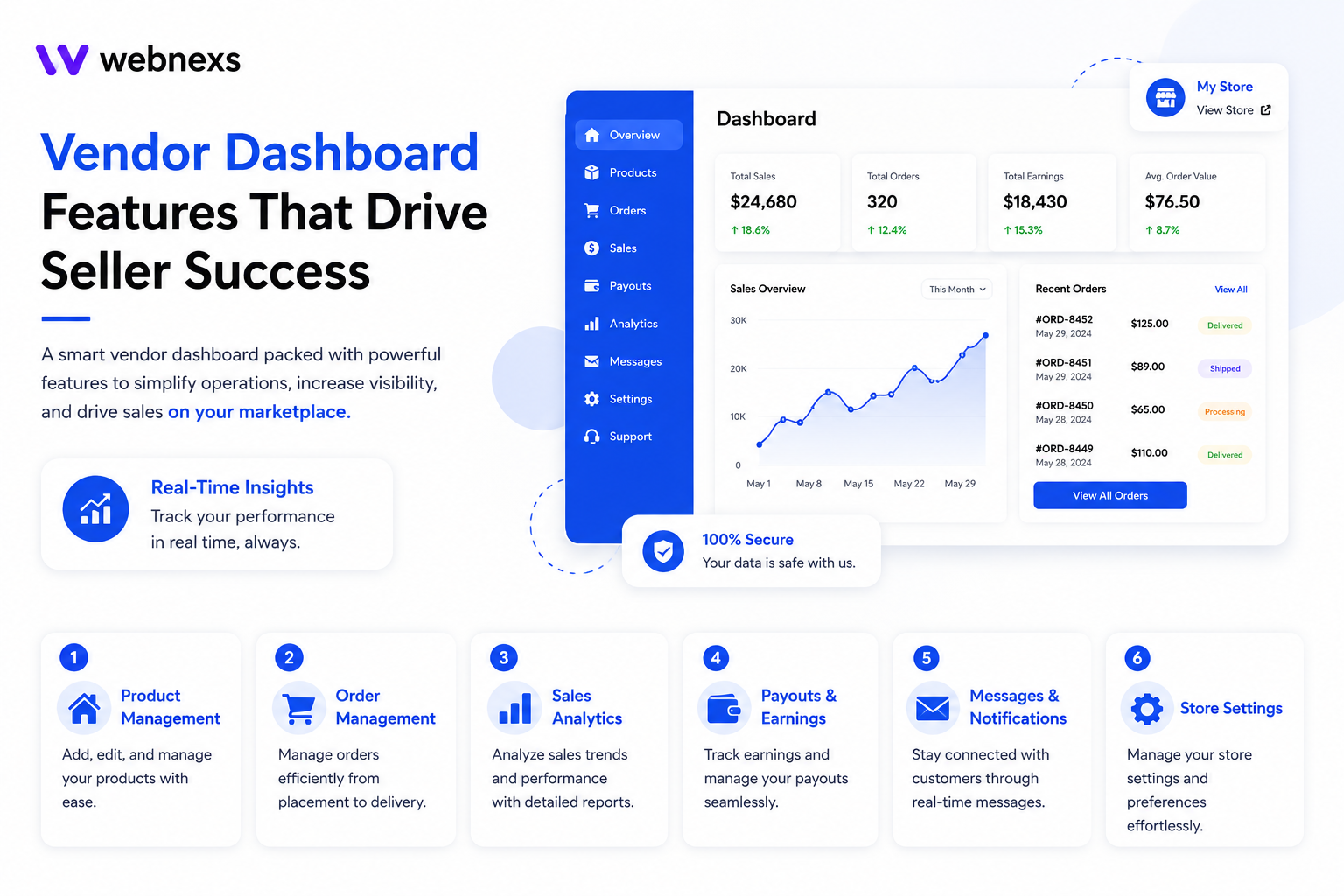
Vendor dashboard features make or break the seller experience. Full stop. Platforms offering smoother on boarding and transparent payout schedules see seller retention rates roughly 20% higher than those that don’t. And yet most owners obsess over the buyer side, checkout flow, search filters, product pages, while the dashboard sits there, quietly forgotten. That’s a mistake. A clunky dashboard frustrates sellers. Slows listings down. Eventually pushes good vendors straight toward competitors who actually got this right. This guide breaks down the features that move the needle. The ones that keep vendors active. Productive. Loyal to your platform, not someone else’s.
Why the Vendor Dashboard Matters More Than People Think
Think about it from the vendor’s side for a second. They’re not just selling on your marketplace. They’re running their own small business through your interface. Every clunky click, every missing feature, every confusing menu, it all adds friction to their day. And friction adds up. Fast.
A good vendor dashboard isn’t a nice-to-have. It’s the control center, where sellers list products, fulfill orders, track earnings and talk to customers. Get it right, vendors stay productive, motivated, loyal, marketplaces with adaptable, transparent dashboard features have reported a 20% rise in seller retention and a 15% increase in annual revenue. Get it wrong? You’ll watch good sellers quietly drift toward platforms that actually treat them better.
Essential Vendor Dashboard Features That Improve Seller Experience
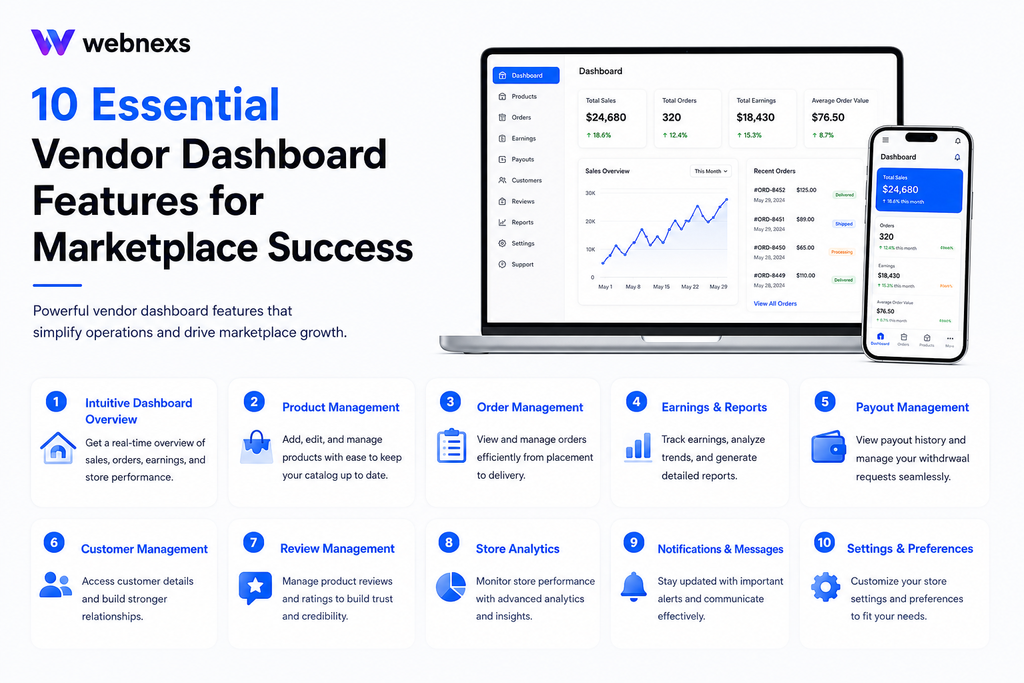
1. Bulk Product Upload and Catalog Management
One product at a time. Manually. Painful, especially once a vendor’s juggling a big, constantly shifting inventory. Bulk upload changes that. CSV import, mostly. Hundreds of listings, done in minutes. Not hours.
Matters even more in fast-moving categories. Fashion. Seasonal goods. Anything where the catalog never holds still. Vendors who can update everything in one shot? They just move faster. Everyone else is still stuck editing listings. One. By. One.
Small detail, big impact, this is the kind of friction that quietly defines the seller experience on any growing marketplace.
2. Real-Time Order Management
Vendors need to see new orders the second they land. Not after refreshing the page five times. A solid dashboard shows order status, shipping details, fulfillment deadlines, all in one clear view.
This one feature probably saves vendors more daily frustration than anything else on this list. Missed orders mean unhappy customers. Unhappy customers mean refunds, complaints, bad reviews and that damage doesn’t stay contained to one seller. It hits the whole marketplace.
3. Inventory Control and Stock Alerts
Nothing frustrates a seller faster than an order coming in for a product they’re actually out of stock on. Real-time inventory tracking, paired with low-stock alerts, prevents that entirely.This becomes critical at scale. A vendor running ten products can track stock manually. A vendor running five hundred products absolutely cannot, not without the dashboard doing the heavy lifting for them.
4. Sales Analytics and Performance Reporting
Vendors want to know what’s actually working. Which products are selling? What their margins really look like. How this month stacks up against last. A dashboard with built-in analytics, revenue trends, top sellers, average order value, hands sellers exactly what they need to make smarter calls. No spreadsheet required. No data analyst either.
That kind of visibility does something else too. Makes vendors more invested in the platform itself. People who can actually watch their own growth? They stick around longer.
5. Transparent Payout and Commission Tracking
Money questions cause more vendor anxiety than almost anything else. When am I getting paid? What’s my commission on this one? Did the platform even calculate this right?
A dashboard with clear, itemized payout history, commission breakdowns, upcoming payment dates, kills that anxiety outright. Vendors who trust the numbers stop second-guessing the platform. And that trust? It turns straight into retention.
6. Vendor-to-Customer Messaging
Let customers message vendors directly, through a built-in, monitored system and trust builds on both sides. Buyers get faster answers about products. Vendors see fewer returns, fewer complaints, since most issues get talked through before they ever escalate into a real dispute.
This kind of communication tool quietly shapes the overall seller experience, since vendors end up handling a good chunk of product-specific questions on their own, without leaning on your central support team every time.
7. Mobile-Friendly Dashboard Access
Vendors aren’t always sitting at a desk. A lot of sellers, especially smaller ones, run their entire operation from a phone. A dashboard that works well on mobile, not just a shrunk-down desktop version, but something actually built for a smaller screen, makes a real difference in how often vendors check in and respond quickly.
8. Custom Branding for Vendor Storefronts
Even inside a shared marketplace, vendors still want some sense of identity. Let them customise their storefront, logo, banner, store description and you’re handing them something small but meaningful. A real sense of ownership over their own little corner of the platform.
Matters more than it sounds, honestly. Vendors who feel like they’re building something that’s actually theirs? They put more effort into their listings. Into how everything looks and reads.
9. Automated Approval and Listing Workflows
New product listings often need admin review before going live, especially in marketplaces with quality standards to maintain. A vendor dashboard that shows sellers exactly where their listing sits in the approval process, pending, approved, rejected with reason, removes the guesswork and the support tickets that come from “why isn’t my product live yet.”
10. Shipping and Fulfillment Integration
Vendors juggling multiple shipping carriers shouldn’t have to deal with that mess across five separate browser tabs. Switching between courier sites just to print one label. Check one tracking number. That kind of fragmented workflow eats time vendors don’t have, especially the ones running their store solo, or squeezing it in around a full-time job somewhere else.
Integrated shipping tools fix that. Label printing, rate comparison across carriers, live tracking updates, all of it, right inside the dashboard. Save vendors real time on every single order, and that adds up fast over a busy week. A seller processing fifty orders a day isn’t saving a few minutes here and there. They’re saving hours. Real hours, that go straight back into actually growing the business instead of wrestling with shipping logistics.
For marketplace owners, there’s a payoff here too, fewer shipping disputes, fewer delays. Vendors working off accurate, real-time data just make fewer costly mistakes than the ones piecing it together by hand.
11. Multi-Language and Multi-Currency Support
Not every vendor sells to one market. Not every buyer shops in one language, or one currency. A dashboard that lets sellers list prices in multiple currencies, manage listings in more than one language, that opens doors. A much bigger customer base, no separate tools, no manual conversions, none of that juggling.
Matters more the bigger a marketplace gets, especially once it stretches past its home region. A vendor who can reach international buyers right from the dashboard they already use? Real edge there. Compare that to one stuck doing it all by hand, spreadsheets, conversion rates, listings translated and pasted in from somewhere else. No contest.
Comparing Vendor Dashboard Feature Sets
| FEATURE CATEGORY | BASIC DASHBOARD | ADVANCED DASHBOARD |
| Product uploads | Manual, one at a time | Bulk CSV import |
| Order visibility | Daily summary | Real-time updates |
| Inventory tracking | Manual stock checks | Automated low-stock alerts |
| Analytics | Basic sales totals | Trend reports, AOV, top products |
| Payouts | End-of-month statement | Itemized, real-time tracking |
| Customer contact | Through platform support only | Direct vendor messaging |
| Mobile access | Limited or none | Fully responsive |
What Happens When Dashboards Fall Short
Vendors don’t usually complain loudly when a dashboard is mediocre. They just quietly do less. Fewer new listings. Slower order fulfillment. Less engagement overall. Eventually, some of them stop selling on the platform entirely and move their energy somewhere easier.
The cost of a weak vendor dashboard rarely shows up as a single dramatic event. It shows up gradually, in declining catalog growth, in vendor churn, in support tickets that a better interface would have prevented in the first place.
By the time the pattern is obvious in the numbers, it’s usually been building for months. The vendors who leave quietly rarely send a complaint first, they just stop showing up, and the dashboard gets the blame far too late to fix anything before real damage is done.
Signs Your Vendor Dashboard Needs an Upgrade
Most marketplace owners don’t notice the warning signs until they’ve already lost a few good vendors. A few patterns to watch for before that happens.
New listings have slowed to a trickle. If active vendors aren’t adding products the way they used to, that’s rarely a coincidence. More often, it means the upload process feels like more trouble than it’s worth.
Support tickets keep repeating the same questions. “Where’s my payout?” “Why isn’t my product live yet?” “How do I update my inventory?” If your team answers these constantly, the dashboard isn’t telling vendors what they need to know on its own.
Vendors are managing things outside the platform. Spreadsheets for tracking sales. Personal messaging apps for talking to customers. Manual stock counts kept in a notebook. Every workaround like this is a sign the dashboard isn’t doing its job.
Mobile usage is low, even though most vendors are mobile-first. If sellers rarely check in from their phones, it’s worth asking whether the mobile experience is actually usable, or just technically available.
New vendors churn within the first few weeks. Early drop-off usually points to onboarding friction, a dashboard that’s confusing or overwhelming right out of the gate, before vendors ever get a real chance to succeed on the platform.
None of these show up as one big red flag. They show up quietly, the same way a weak dashboard costs you, a little bit at a time, until the pattern becomes impossible to ignore.
Advantages and Disadvantages of Investing in Vendor Dashboard Features
Building a strong vendor dashboard isn’t free. Not in time, not in money, not in development effort. Worth weighing the tradeoffs honestly before deciding how much to invest, and when.
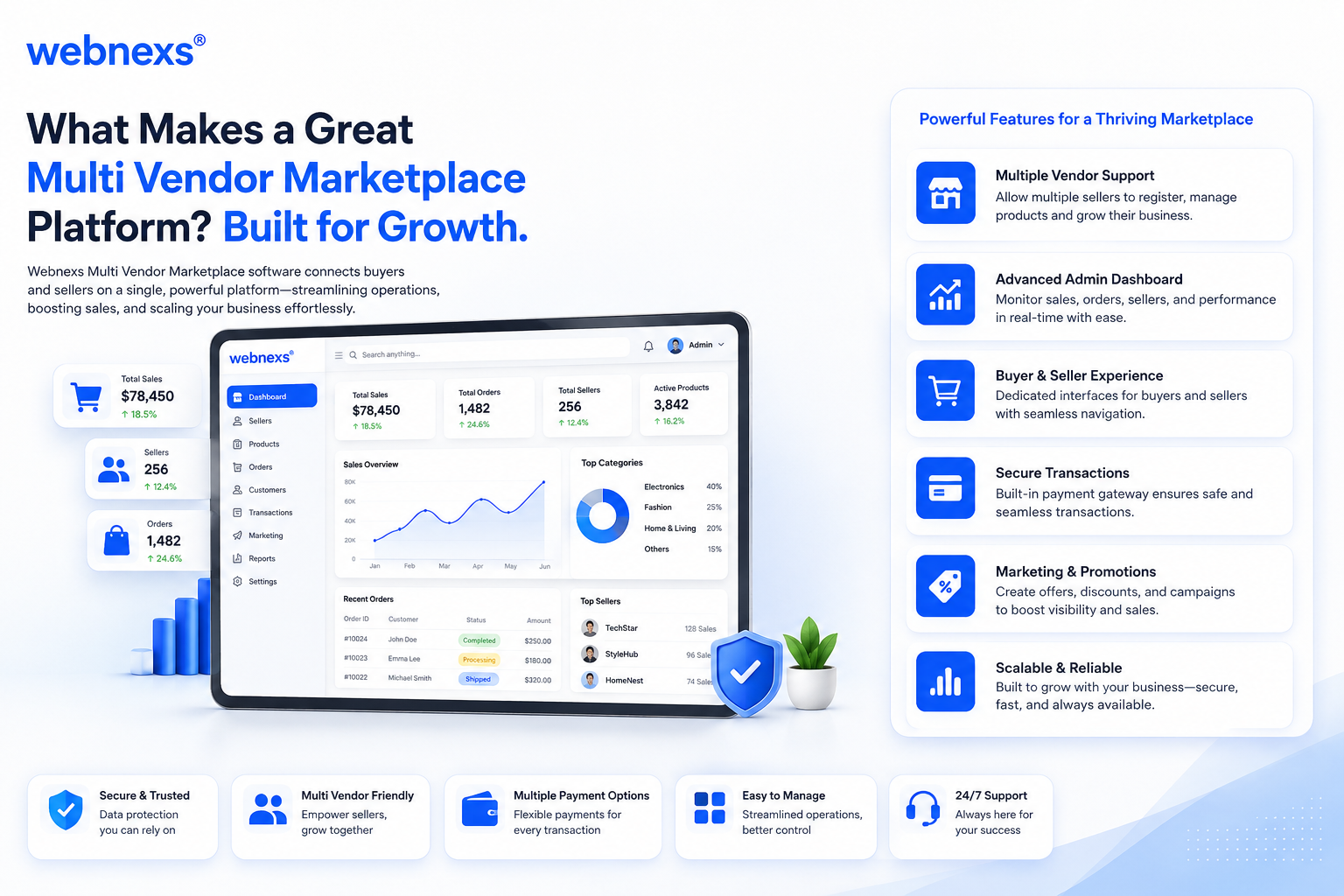
Advantages
Higher vendor retention. Sellers stick around where the work feels easy. Less daily friction means fewer vendors quietly drifting toward competitors with smoother tools.
Faster order fulfillment. Real-time order visibility means vendors respond quicker, ship faster, miss fewer deadlines. Customers notice that immediately, even if they never once see the dashboard itself.
Less pressure on support. Automated approval workflows, built-in vendor messaging, a lot of questions get answered before they ever turn into support tickets. That frees your team up for the bigger stuff.
Smarter decisions, backed by data. Vendors with real analytics, sales trends, top products, margins, make better calls on what to list and how to price it. More revenue follows, for them and for the marketplace.
Real trust, not just promises. Transparent payout tracking kills the guesswork around commissions and payment timing. Trust the numbers, trust the platform. That’s how it tends to go.
Easier to scale. A dashboard built to handle ten vendors comfortably should still hold up at a thousand. Bulk tools, automated workflows, and self-service features mean growth doesn’t automatically translate into more manual work for your team, the platform scales without your operations headcount having to scale right alongside it.
Disadvantages
It costs money. It costs time. Bulk uploads, real-time analytics, mobile optimization, none of that builds itself. Real engineering investment, and that hits smaller marketplaces hardest, especially ones still finding their footing.
It never really stops. A dashboard isn’t a one-and-done build. Bugs need fixing. Integrations need updating. Vendor expectations keep climbing. All of it demands resources long after launch day.
Can overwhelm newer vendors. A feature-rich dashboard might feel like a lot to someone who isn’t especially tech-savvy. Smaller or first-time sellers often just want something simple to start with, not a control panel with forty options.
Feature bloat is a real risk. Pile on every possible feature without checking what vendors actually use, and you’ll clutter the interface, slow things down, undercut the exact simplicity that made the dashboard useful in the first place.
Small marketplaces see less payback, early on. A handful of vendors won’t feel much benefit from advanced analytics or bulk tools right away. That investment pays off more once vendor count and catalog size actually start growing.
Conclusion
A vendor dashboard isn’t just a backend tool. It’s the daily working environment for every seller on your platform. Bulk uploads. Real-time order management. Transparent payouts. Mobile access. Vendor messaging. All of it exists for one reason, to make that daily environment actually work. Get the core features right, and vendors stay engaged. Productive. Loyal. The kind of sellers who grow your catalog without needing to be asked twice.
Get it wrong, though, and the cost rarely shows up all at once. It creeps in. Fewer new listings. Slower fulfillment. Support tickets that just never seem to stop. And eventually, good sellers quietly drift toward platforms that made their job easier. The marketplaces that get this right aren’t the ones piling on every feature imaginable. They’re the ones that built a dashboard vendors actually want to use, every single day, without thinking twice about it.
What is the most important feature in a vendor dashboard?
Real-time order management tends to matter most, since missed or delayed orders directly damage customer trust and vendor reputation. Beyond that, transparent payout tracking is what keeps vendors confident in the platform long-term.
How does a good vendor dashboard improve seller retention?
Vendors stay where the work feels easy and the numbers feel trustworthy. Dashboards that reduce friction, bulk uploads, clear analytics, fast payouts, directly translate into vendors who stick around instead of drifting toward competitors.
Should small marketplaces invest in advanced dashboard features early?
It depends on vendor volume, but even a handful of active sellers benefit from real-time order updates and clear payout tracking. Advanced analytics and bulk tools become more valuable as vendor count and catalog size grow.
Can a weak vendor dashboard hurt the customer experience too?
Yes, indirectly. Vendors who struggle with a clunky dashboard tend to fulfill orders slower, respond to customers less, and update inventory less often, all of which customers notice and blame on the marketplace itself, not just the individual seller.
Should a vendor dashboard support multiple languages and currencies from the start?
It depends on growth plans. Marketplaces aiming for international buyers benefit from building this in early, since retrofitting multi-language and multi-currency support later is far more disruptive than launching with it in place.
Is a vendor dashboard different from an admin panel?
Yes. A vendor dashboard is built for individual sellers to manage their own store, products, orders, payouts, while an admin panel is the marketplace owner’s tool for overseeing the entire platform, approving vendors, setting commission rates, and monitoring overall performance.
How often should a marketplace update its vendor dashboard features?
There’s no fixed schedule, but it’s worth revisiting at least once or twice a year, especially as vendor count grows or as competitors raise the bar on what sellers expect. Waiting too long to add features like analytics or mobile access tends to cost more in vendor churn than the update itself would.